
Android experienceLifetime €17 / $22
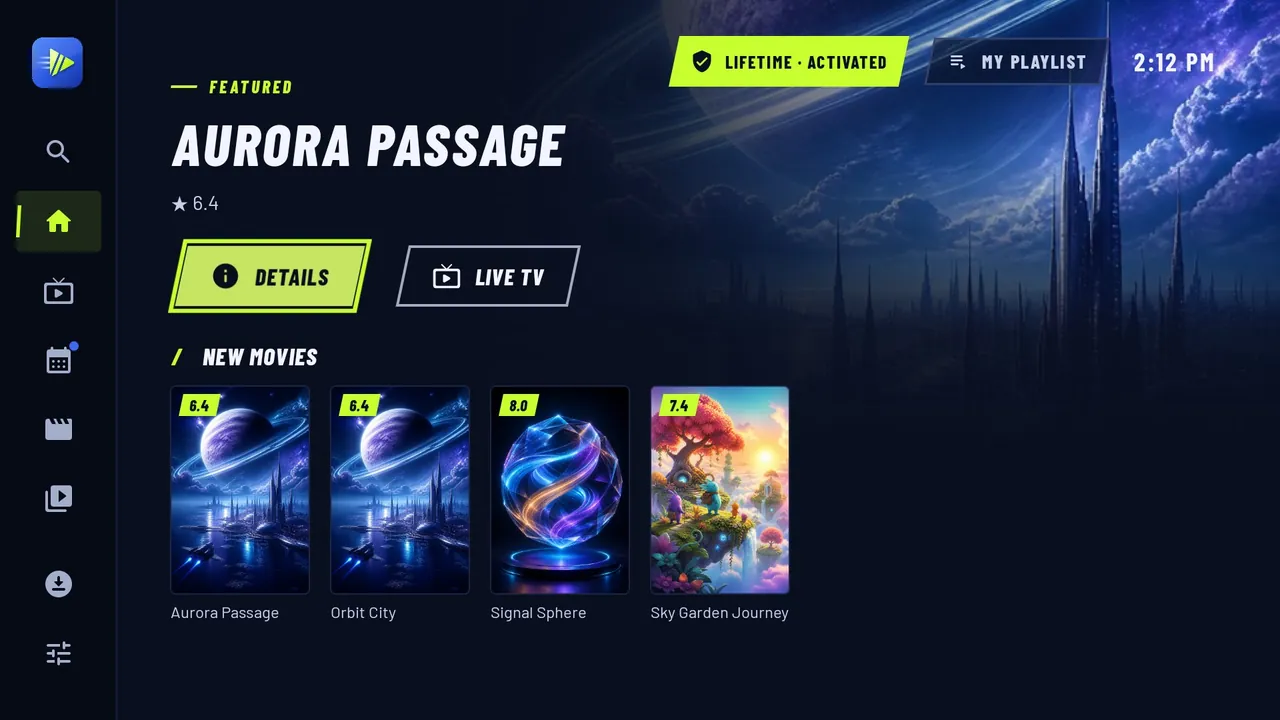
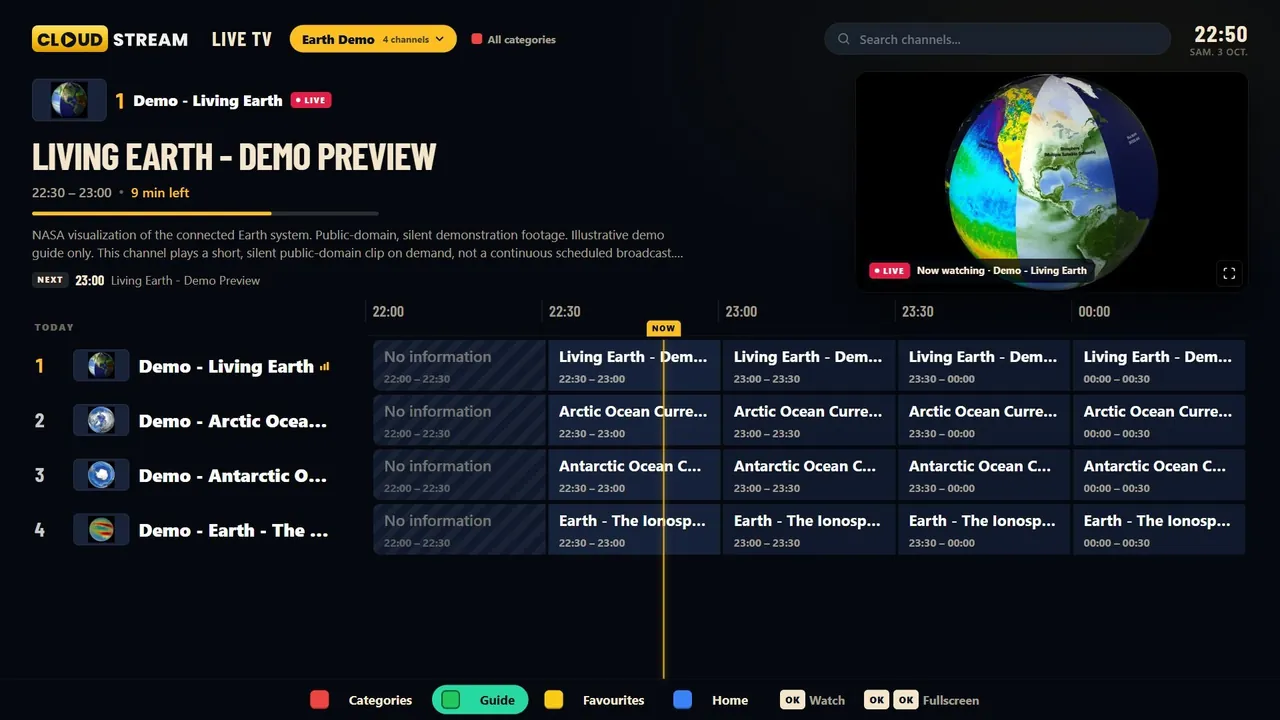
CloudStream is an IPTV player for Fire Stick, Android TV, LG and Samsung Smart TVs, and Android phones.
Add your own M3U or M3U8 playlist, or sign in with Xtream Codes. The player includes no channels or TV subscription.
Watch the tour
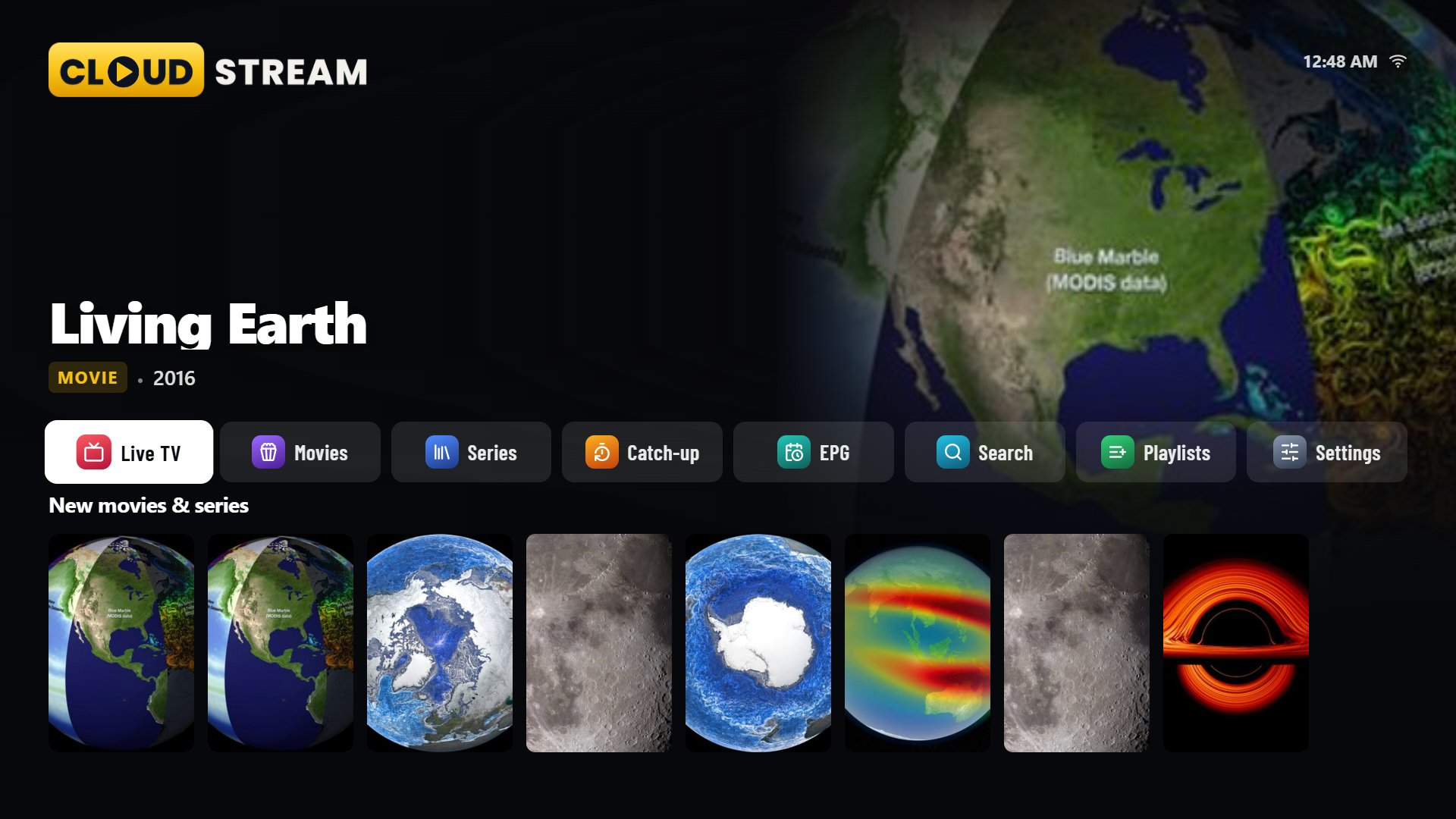
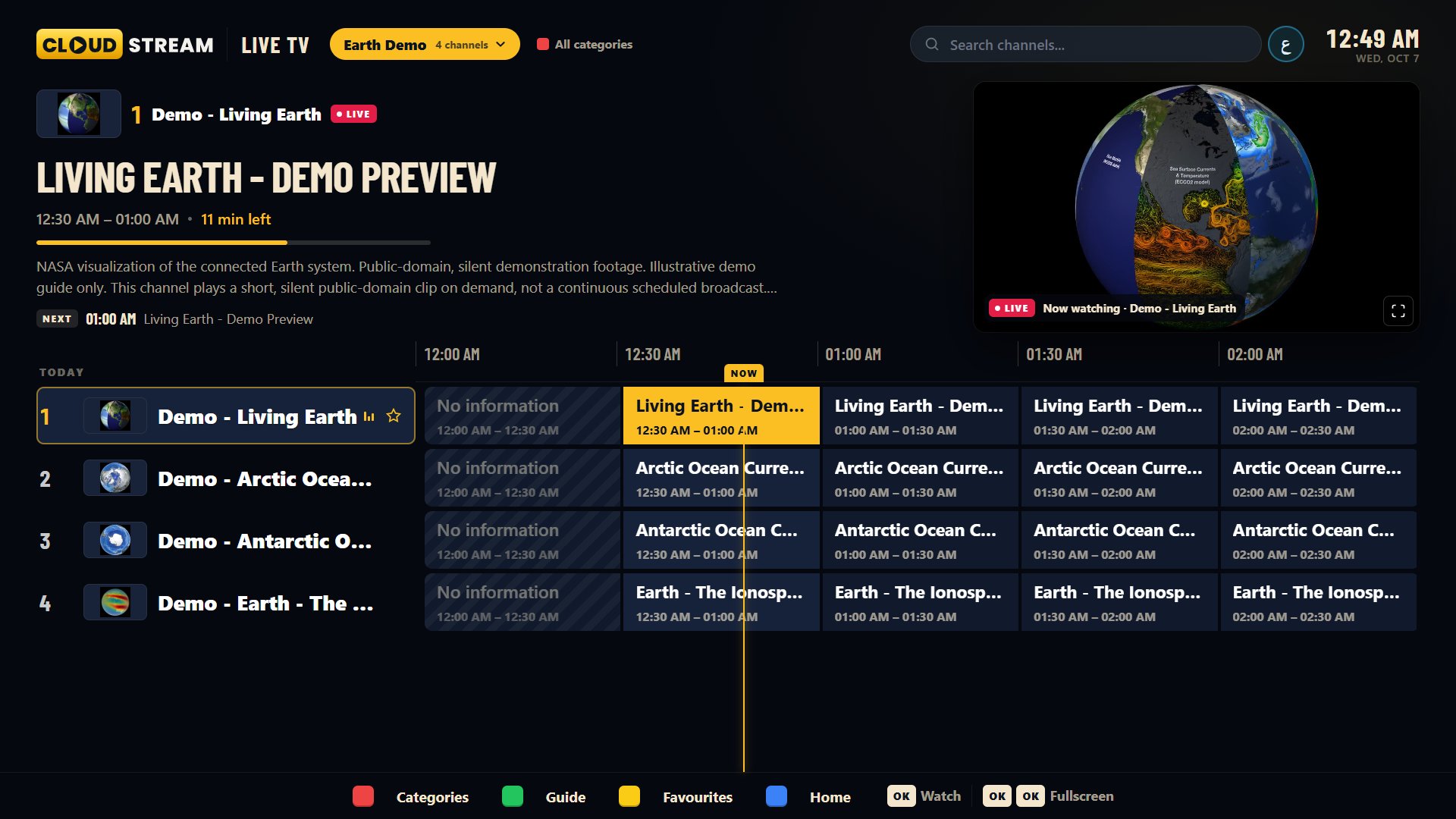
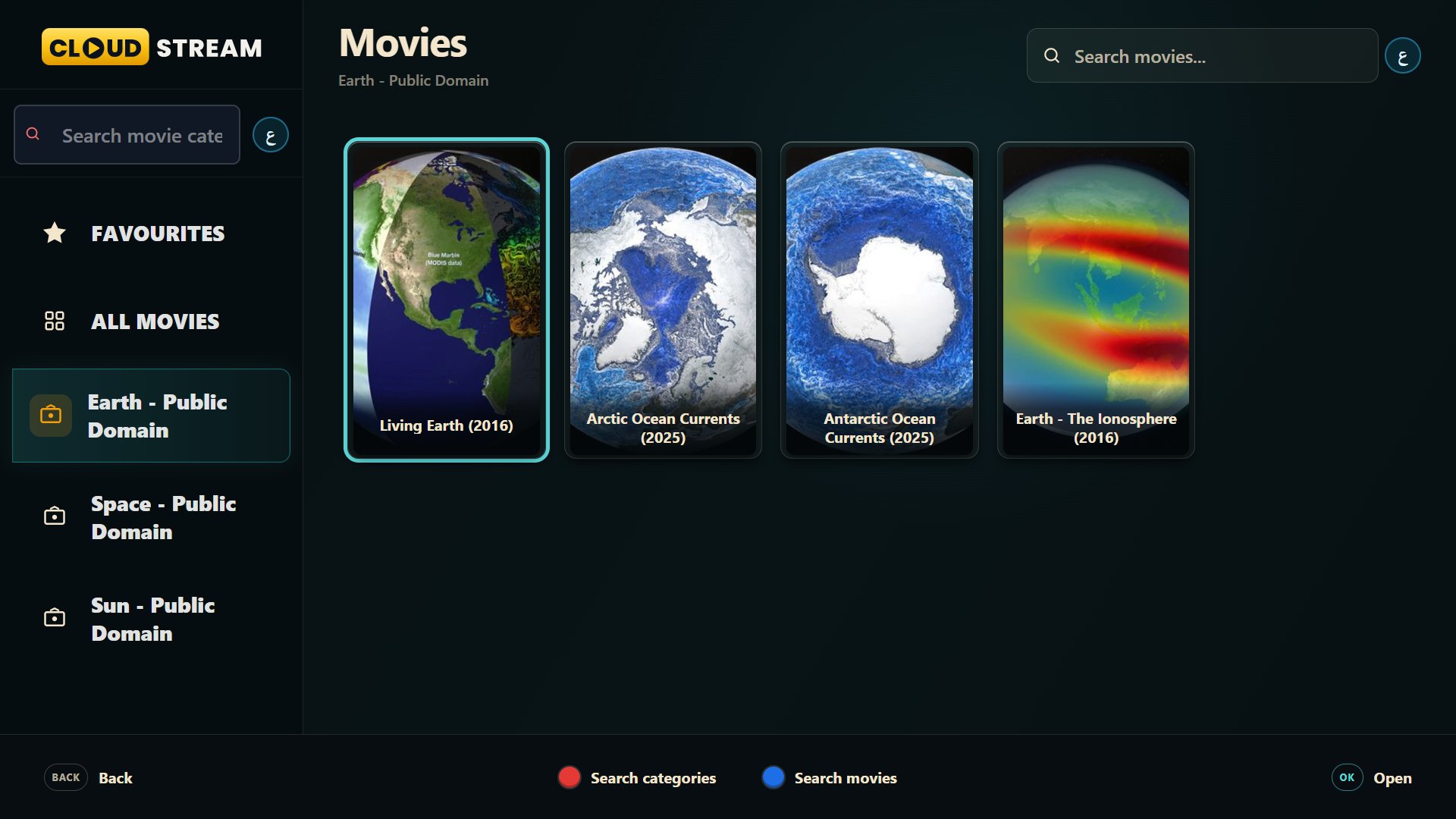
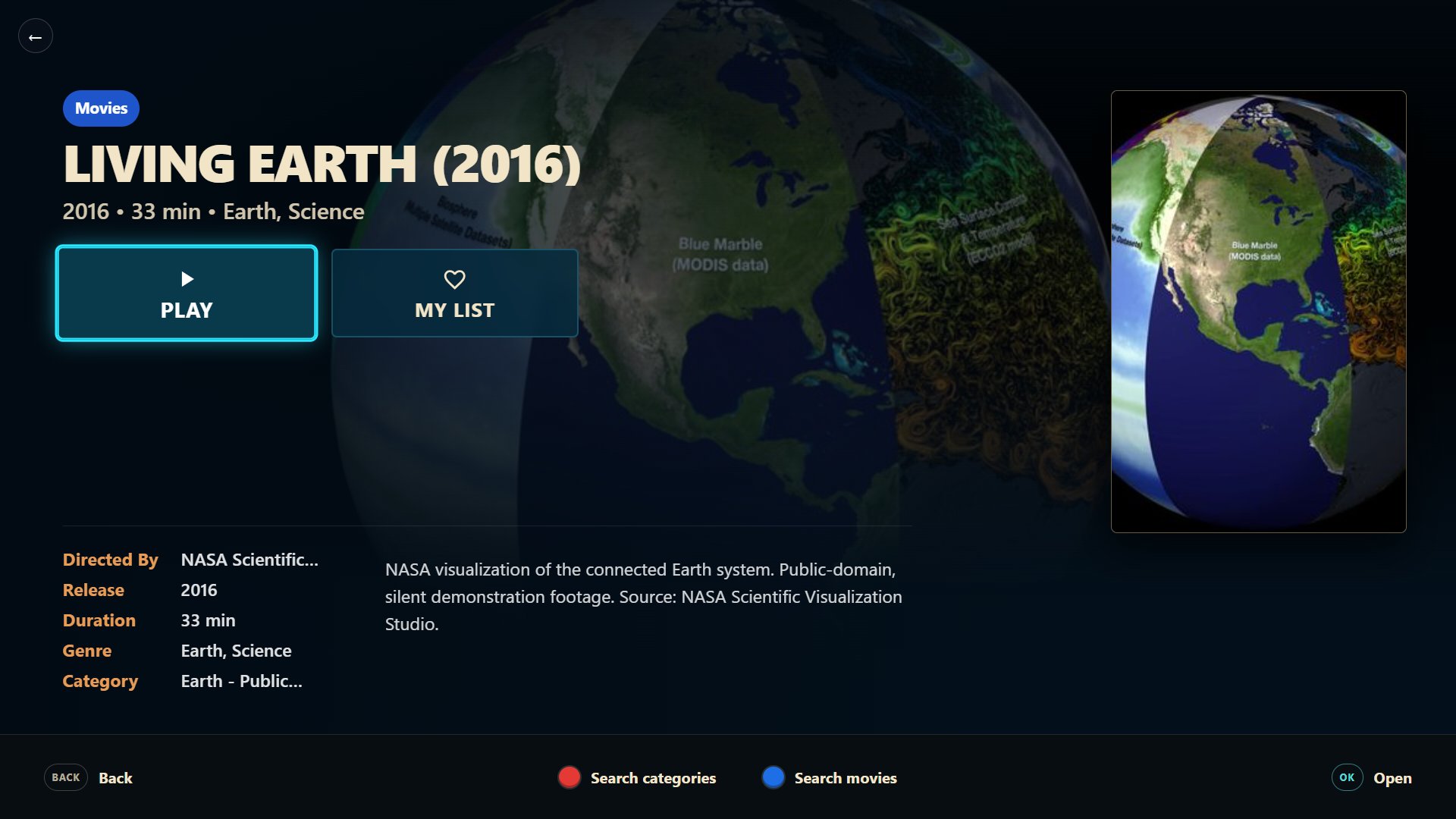
A short tour: add your playlist, browse live TV with the guide, then movies and series.
Already have CloudStream?
On your phone browser, open CloudStream.Pro. On Android mobile, tap Copy Device ID; on Android TV or Fire TV, enter the Device ID shown on your television below.
Your Device ID only opens the correct secure page. Device ownership, price and payment eligibility are verified securely before checkout.
Android and Fire TV
Install CloudStream on a compatible Android device, add a playlist you already have, and browse it by touch or TV remote. Phone pairing lets you enter playlist details without typing a long URL on your television.
LG & Samsung
Use the CloudStream TV player with a playlist you provide. The app is designed for viewing from your sofa with a remote; available channels, guide data, movies and series depend on your own provider.
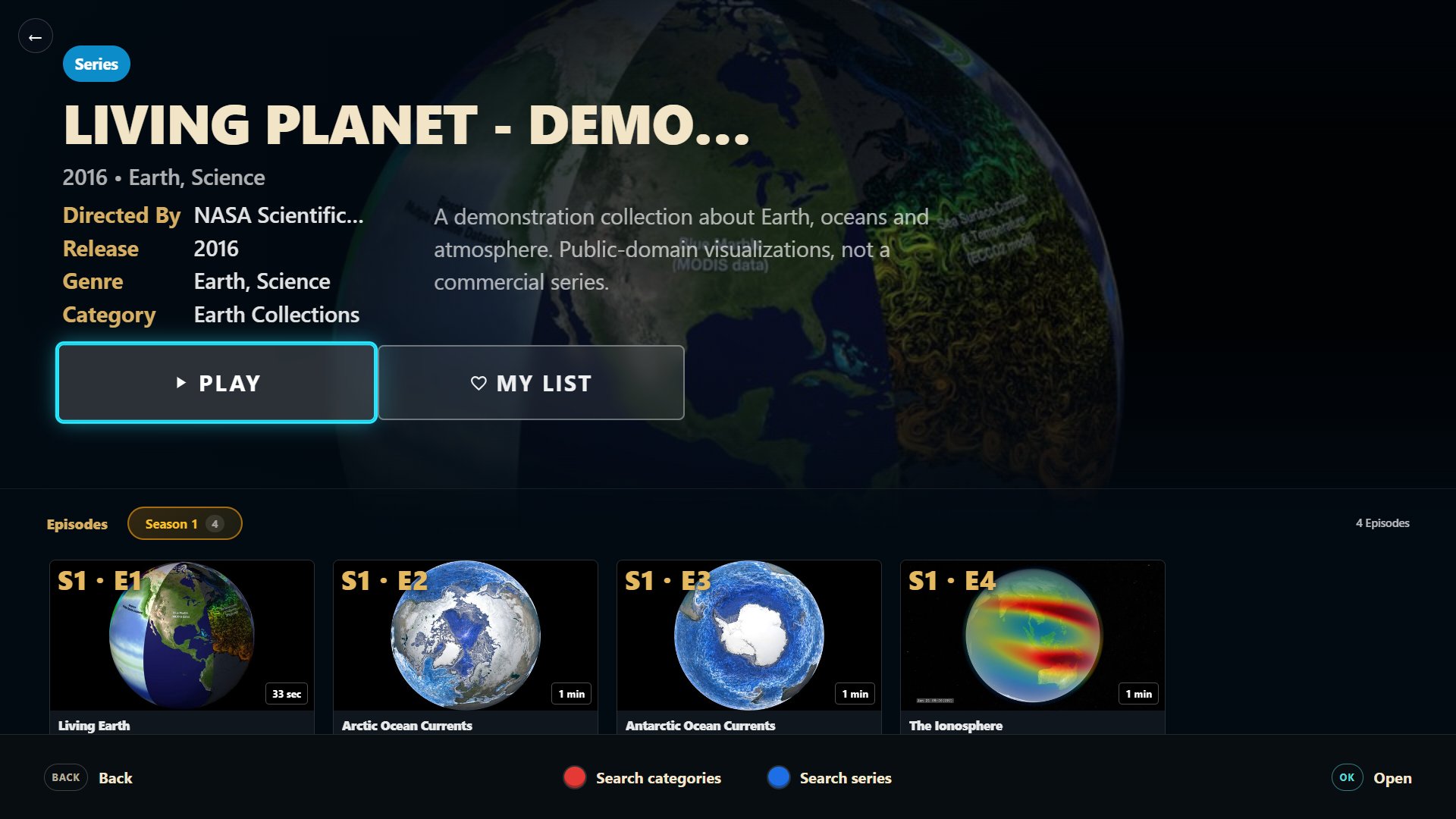
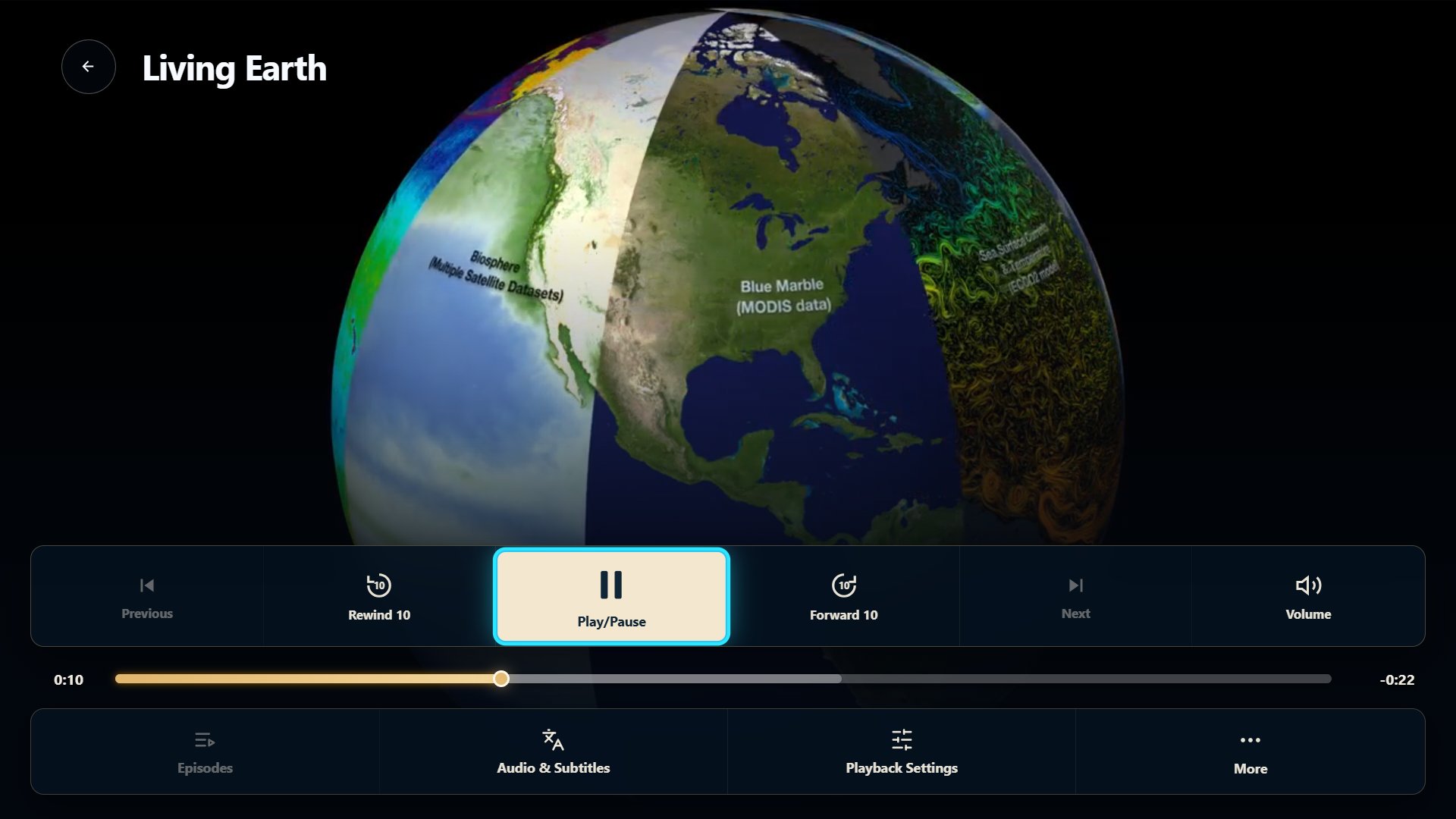
Quick setup
CloudStream is the player. Your own provider supplies the playlist and any channels or media it contains.
Download the Android app or follow our Fire Stick installation guide. Open the app on your device.
Enter an M3U or M3U8 URL, sign in with compatible Xtream Codes details, or pair your phone on supported Android devices.
Search and use the TV guide when your playlist provides them. Try the player for 7 days before activation.
Everything you need
Your channels in one clear, remote-friendly place.
A programme guide when your playlist provides data.
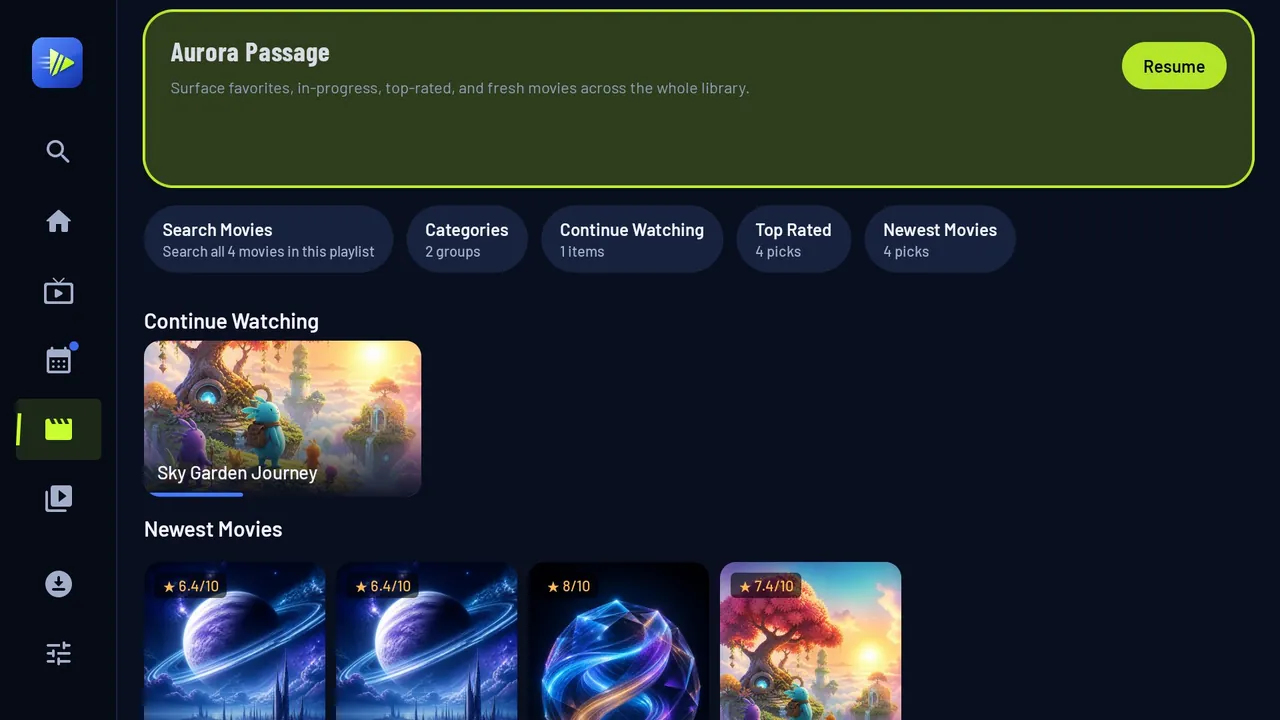
Organised libraries with artwork, details and resume.
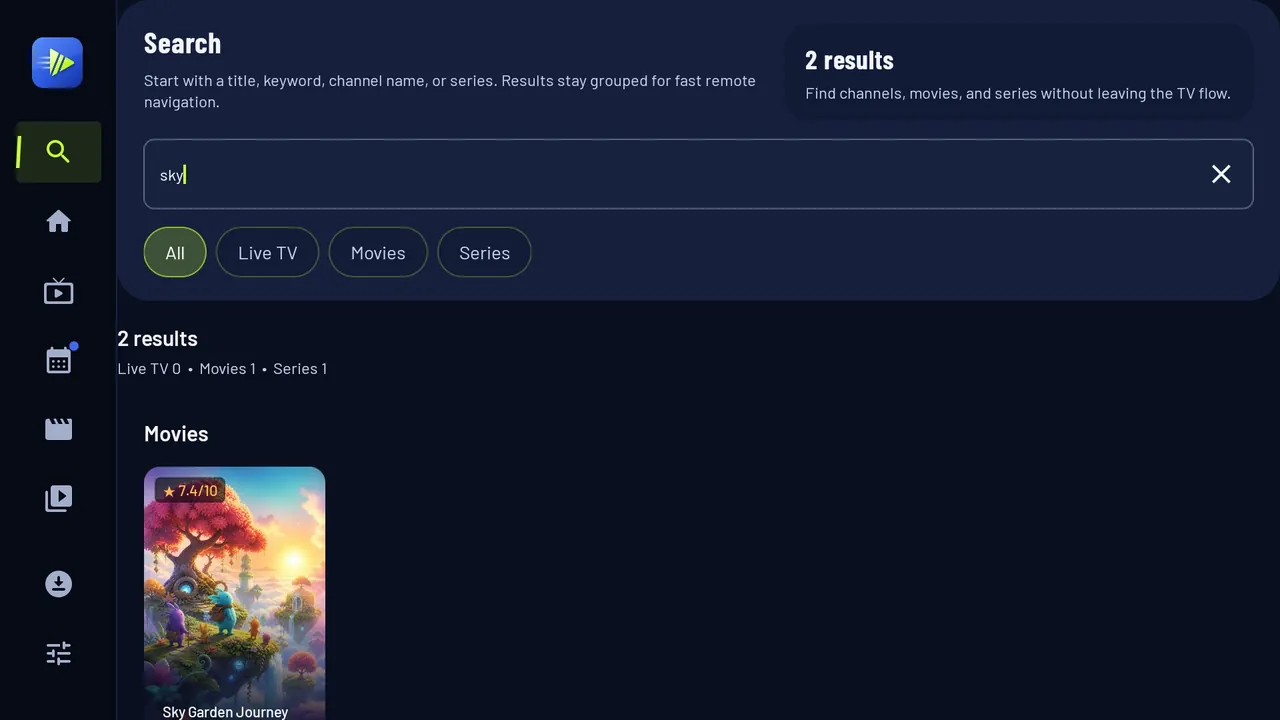
Find anything across your playlist in seconds.
Connect Android TV without typing long URLs.
Why CloudStream
Many IPTV apps look the same. CloudStream adds tools that solve problems for you.
If a channel won’t play, CloudStream finds the real cause — your internet, your provider account or the stream — and tells you clearly.
Channels that freeze or buffer are fixed automatically, so live TV keeps playing.
Record and download supported content to watch later, even offline.
Lock adult categories with a PIN and back up your settings.
One-time lifetime licence, no subscription. Try every feature free for 7 days.
Questions or setup help? Our team answers on WhatsApp.
Choosing a player
Both are players for playlists you provide. Compare supported devices, setup and the features each app lists before you choose.
Read the player comparisonNo monthly fees. No hidden costs. Activate the device that displays your Device ID.
Android TV · Fire TV · Mobile
€17 / $22
One-time payment per device
LG webOS · Samsung Smart TV
€19 / $24
One-time payment per device
CloudStream sells the player licence only. No channels or media are included.
Reseller programme
Offer CloudStream player activations to your customers with a simple credit panel, instant delivery and credits that do not expire.
Starter
€120120 credits40 activationsProfessional
€230240 credits80 activationsWorldwide experience
Designed for viewers moving between phones, Android TV, Fire TV, LG webOS and Samsung Smart TV—across countries, devices and time zones.
Globe points illustrate regions and contain no personal location data.
Support FAQ
No. CloudStream is a media player only. A new installation is empty until you add a playlist that you are legally entitled to use.
CloudStream supports M3U, M3U8 and Xtream Codes playlists. Android also supports QR pairing.
Yes. Install the Android player on a compatible Fire TV device using our Fire Stick setup guide, then add your own playlist.
The player has a seven-day trial. See the trial page for setup steps; no channels or subscriptions are included.
Open Settings → Activation, copy your Device ID, then paste it on cloudstream.pro.
Open the TV app, copy the Device ID, then paste it on cloudstream.pro.
No. It is a one-time licence for one device, with no monthly fees or automatic renewal.
Enter the Device ID shown in the app and pay once — your player activates instantly, with no monthly fees.

Hi 👋 Need help installing CloudStream, adding your playlist or activating? Message us on WhatsApp — a real person will answer.