01
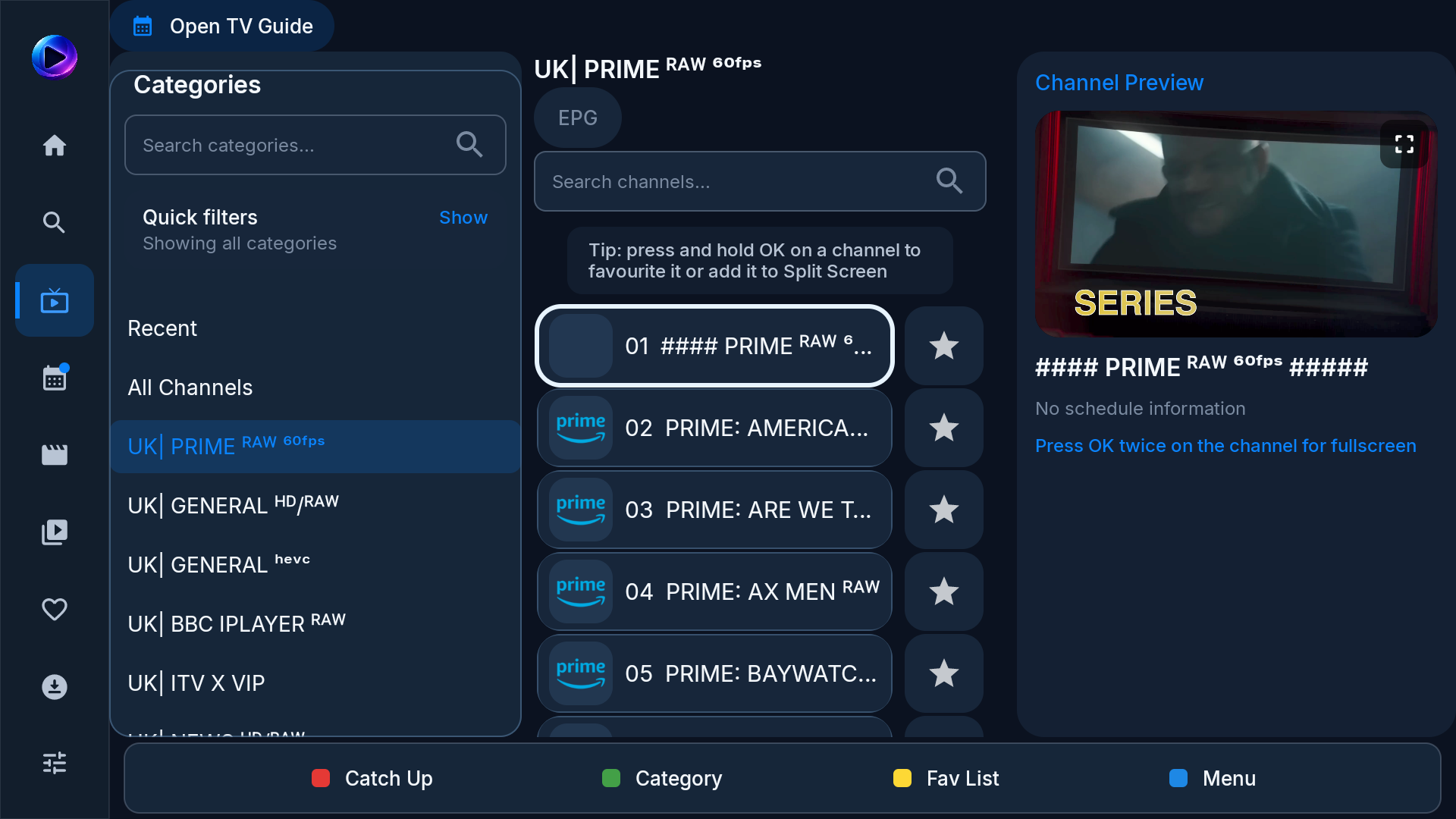
Live TV at a glance
Move through categories, channel lists, favorites, and a live preview without leaving the screen.
Install CloudStream TV on Android phones, tablets, Android TV, or Fire TV. Add your own M3U, M3U8, or Xtream playlist, then browse it by touch or remote. Pair your phone to enter playlist details without typing on your TV.
Live channels, movies, and series—beautifully organized for the big screen.
Move through categories, channel lists, favorites, and a live preview without leaving the screen.
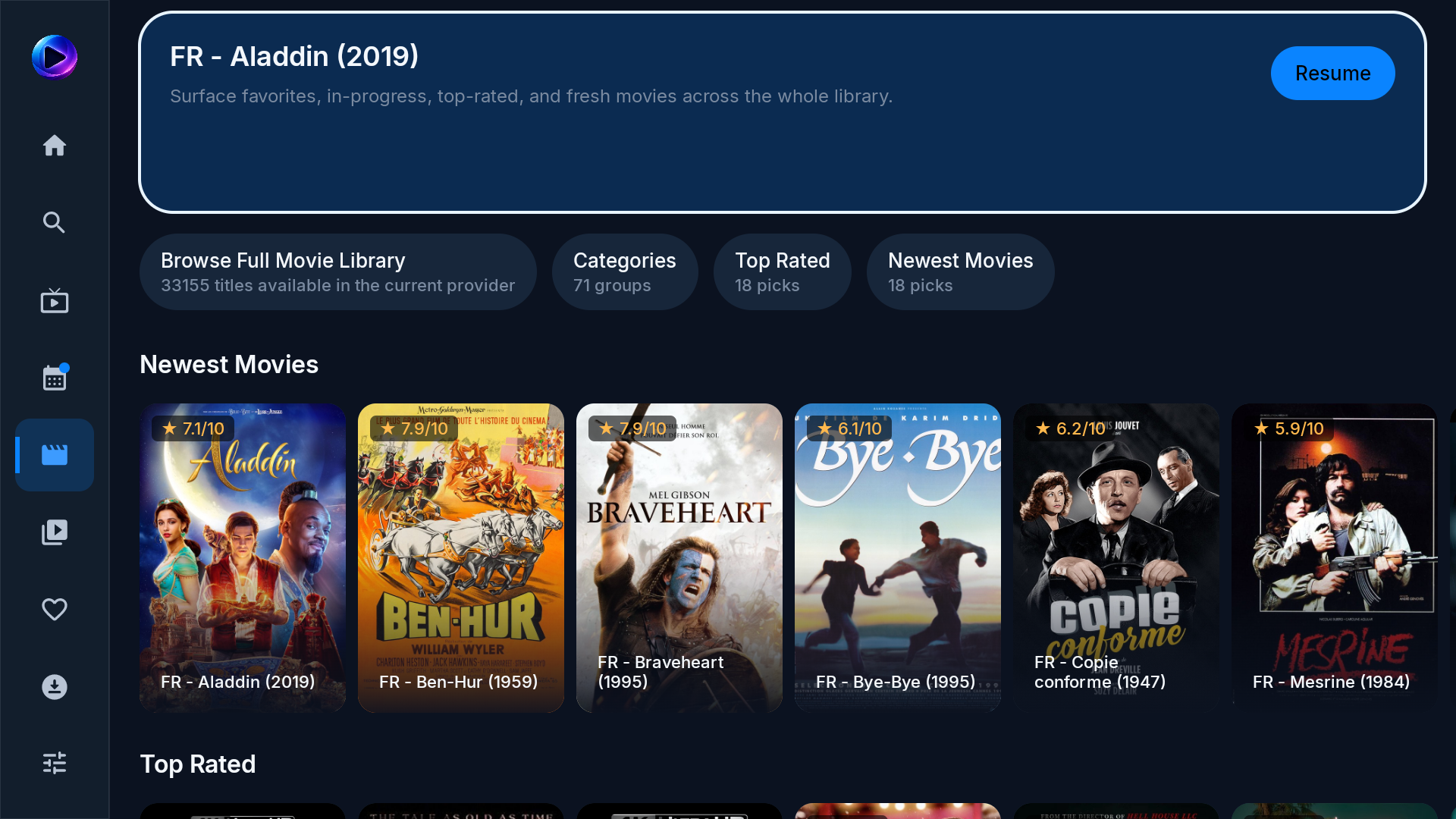
Discover new releases, top-rated picks, and your full movie library through poster-first browsing.
Jump into recently updated shows, browse categories, and keep every season easy to find.

From phones to the biggest screen at home, CloudStream is designed for viewers across countries, devices, and time zones.
Globe points illustrate regions and contain no personal location data.
Optimized for the best streaming devices in your home.
Android 7.0+
Downloader code 1724334
Phones and TV boxes
Connect your IPTV provider using standard login details or an M3U playlist.
Explore all app features free for seven days. No credit card required.
€12 for lifetime app access. Yours forever with no renewals.
We do not sell subscriptions. You own the app after activation.
Your provider details stay on your devices and are not sold or shared.
Install from Google Play on a compatible Android device, or use our APK and Fire Stick guide. CloudStream is a player; bring a playlist you are authorised to use.
No. The app is an IPTV player. It does not include channels, films, series, or a subscription. Add a compatible playlist that you are legally authorised to use.
Yes, on a compatible Fire TV device. Follow the Fire Stick installation guide for the Downloader steps, then add your own playlist.
CloudStream supports M3U and M3U8 playlists, Xtream Codes-compatible login, and QR phone pairing. The programme guide and available media depend on your playlist provider.
Install the player and add your own playlist to try the app for seven days. The trial includes no content. See the trial setup page for the steps.