1
Install Downloader
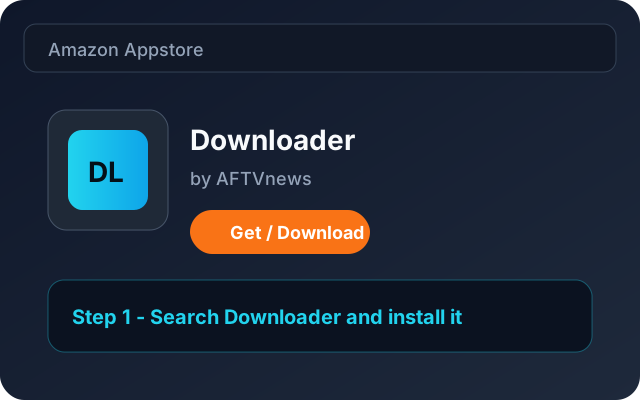
Find and install the Downloader app from the Amazon Appstore.
Install CloudStream, an IPTV player for Fire Stick, with the Downloader app and our official shortcode. Connect your own M3U or Xtream playlist after installation.
No computer needed — just your Fire Stick remote.
Find and install the Downloader app from the Amazon Appstore.
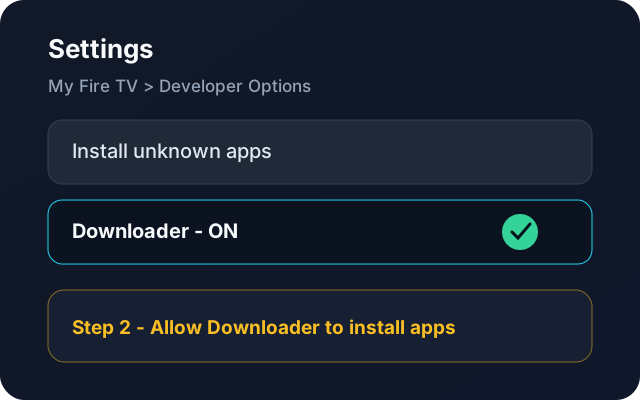
Enable Downloader to install apps from unknown sources.
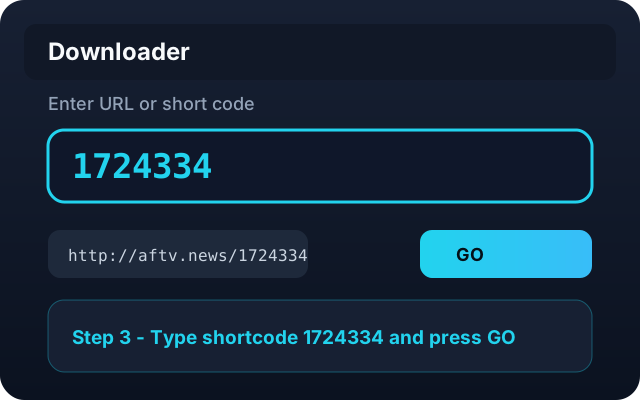
Open Downloader and enter the official shortcode to download CloudStream.
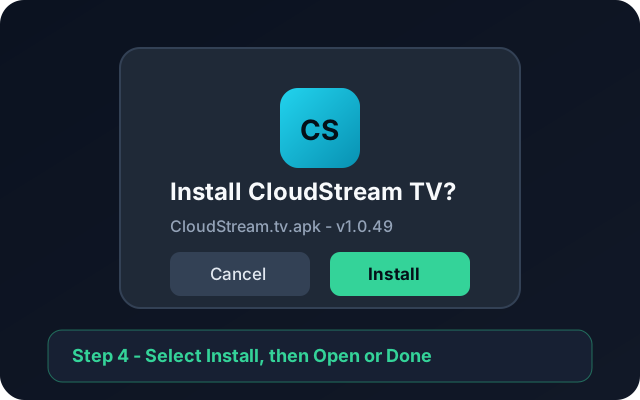
When the Android installer opens, select Install. Wait for “App installed”, then select Open.
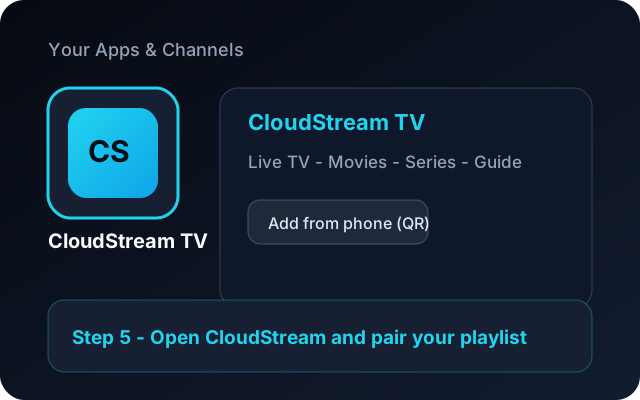
Open CloudStream TV from Your Apps & Channels, then add your Xtream or M3U playlist from your phone.
CloudStream is a player, similar in purpose to TiviMate. It does not include a TV subscription, channels or movies. To watch, add an M3U or M3U8 playlist URL or Xtream Codes login from a provider you already use. You can also pair your phone to enter playlist details without typing them on your TV remote.
New to the app? Start the seven-day player trial, then follow the CloudStream app guide to download and connect your playlist. A lifetime player licence is available after the trial; it activates the app on one device.
Check that Downloader is allowed to install apps from unknown sources on your Fire TV device, then enter the shortcode again. Fire TV menus can vary by model and software version. If you still need help, contact the support team below.
Send us a photo of your TV screen on WhatsApp and we will help you finish the setup.